
Below are some examples of what will be accepted by DGT and other authorities for the services we provide.
The biggest delay in processing our services is when clients don’t send correctly formatted or suitable documents.
We have to submit documents in the same quality that you would if you were doing the process yourself.
Spanish admin offices can be very strict (some might say anal!) regarding the quality of documents that they will accept and this is the number one excuse (sorry, I mean reason) for a procedure not being completed.
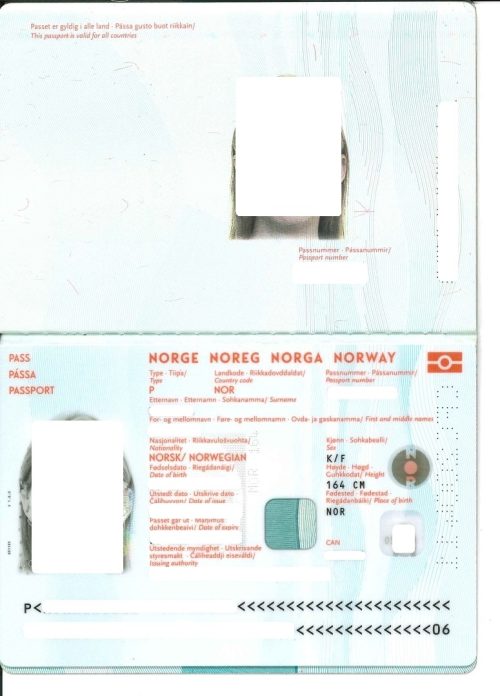
A scanned photocopy of the passport with all 4 edges clearly visible. Both pages of the passport showing the signature.
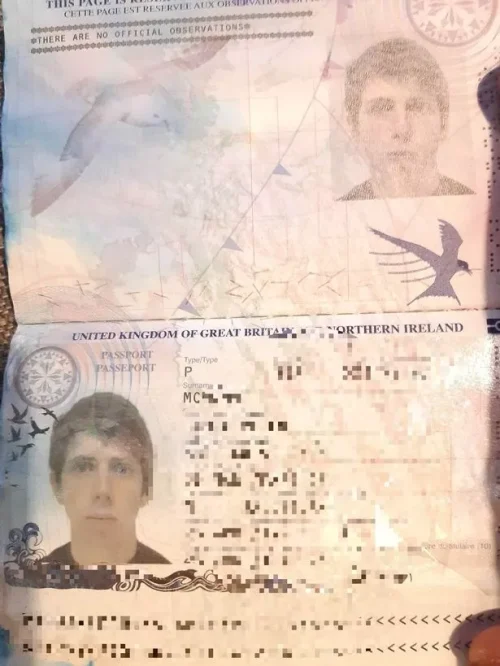
Cropped passport that doesn't show all sides.
Shadows on the image. Finger showing.
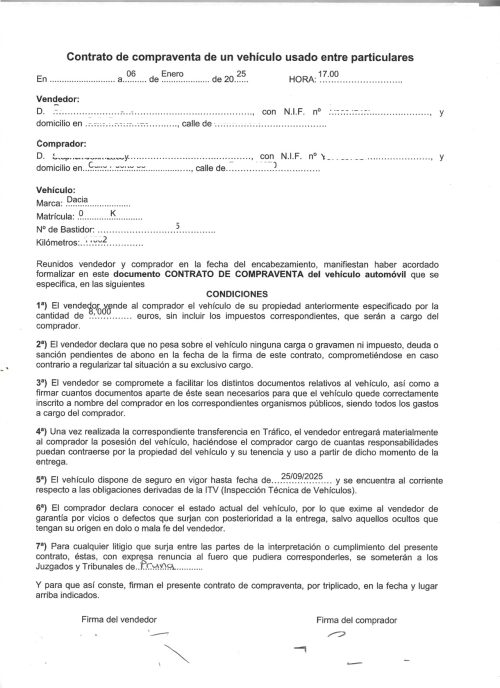
Scanned properly and in PDF format, preferably by a machine scanner, not a phone. Clear and all edges showing.
Cropped image.
Shadows on the image. Thumb showing.
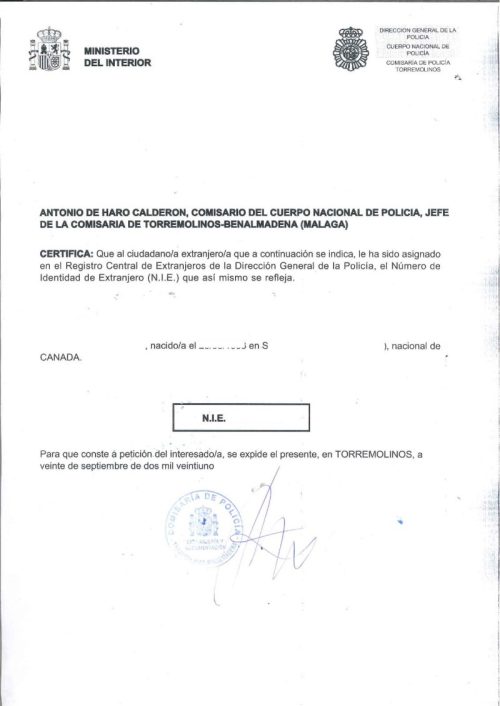
Scanned properly and in PDF format, preferably by a machine scanner, not a phone. Clear and all edges showing.
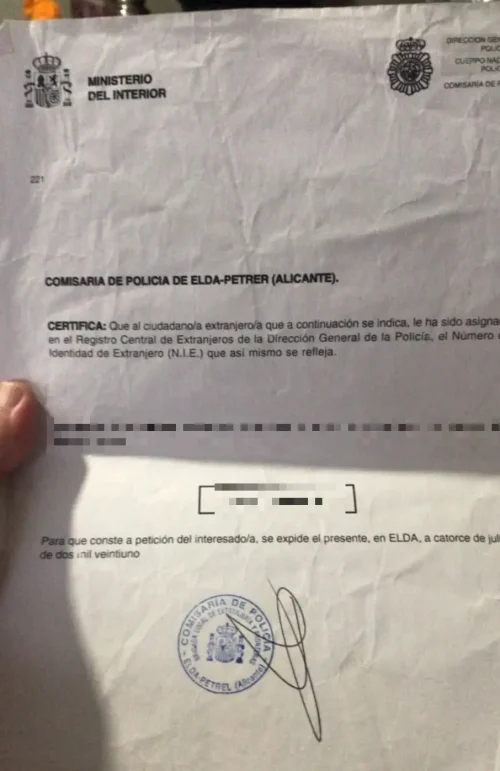
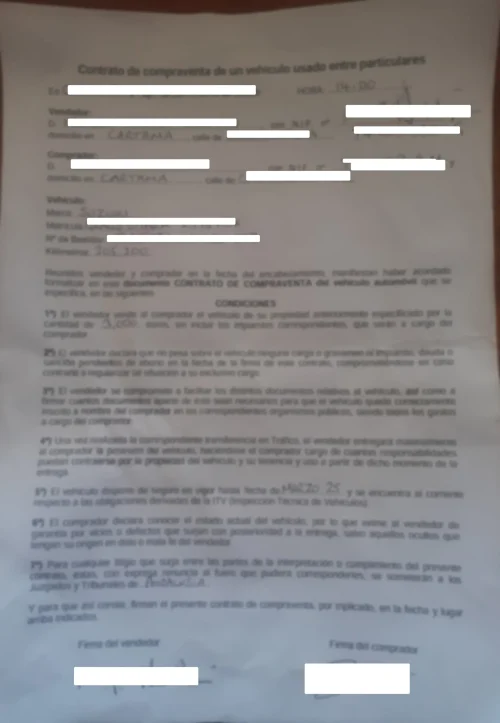
Blurred writing. Shadows on the image.
Crumpled. Obviously a photograph.
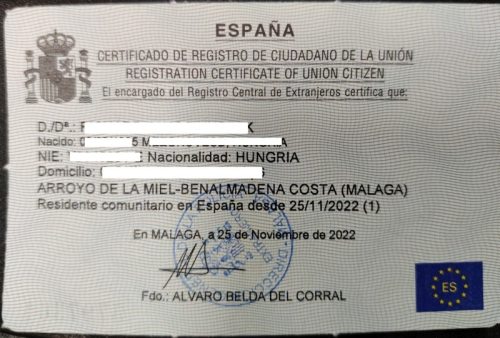
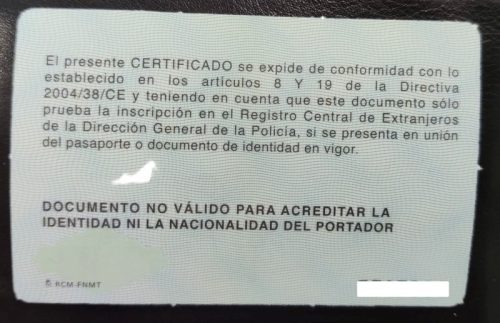
Both sides (This can be a clear photo, white background is best)
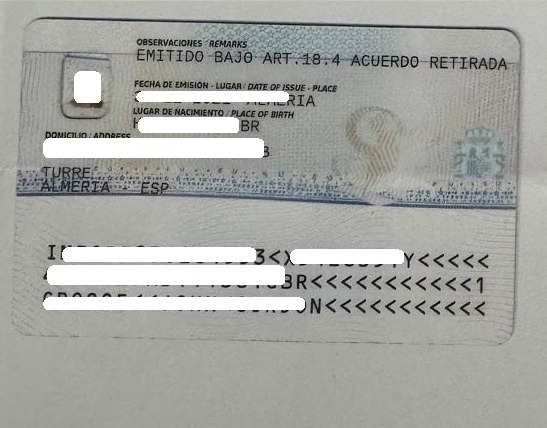
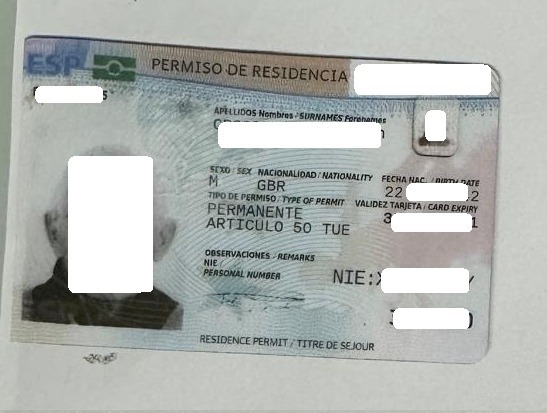
Both sides (Clear photo is acceptable)
The easiest way to ensure your documents are accepted the first time is to photocopy them and send them as PDF’s.
All documents we send to governmental offices have to be in PDF format.
Make sure the documents are clear and readable even when zooming in.
Sales contracts and other hand written docs need to be easily read (not just by you!)
Label each file correctly ie. ‘Buyer passport’, ‘Seller NIE’.
The best way to make good copies is to use a photocopier/scanner. If you haven’t got one at home there are plenty of shops in Spain that offer this service. Such as photocopying and printer shops, newsagents, Chinese or local shops.
Documents with ‘CamScanner’ logo on them will not be accepted.
If you have jpgs or pngs (photos or screenshots) and need to convert them, we recommend I Love PDF.
This great free tool can convert jpgs, pngs or word docs into pdfs. You can also use it rotate documents, crop them and edit pdfs.
If you want to change vehicle ownership or need other Spanish admin or vehicle services, contact us today.